MAGIQ Software Webinars

Each month, we host a focused product webinar designed to help you get the most value from our solutions. In addition, our quarterly ERP Product Update webinars keep you informed about the latest features, enhancements, and improvements across the platform.

Past webinars are available for viewing at your convenience through our Online Service Desk.
You can access our Online Service Desk via the top menu section of our website or directly via support.magiqsoftware.com.

If you don’t currently have access, please contact our support team via email at support@magiqsoftware.com

You can subscribe to receive our webinar invitations and newsletter here.

Administering MAGIQ Service Requests - Part One: Users, Hierarchy and Access Following our popular overview of the Service Requests module, this two-part series goes behind the scenes for the people who keep it running. Part One is for MAGIQ Service Requests administrators. It walks through the setup that decides who sees what, who is assigned what, and how work reaches the right people.

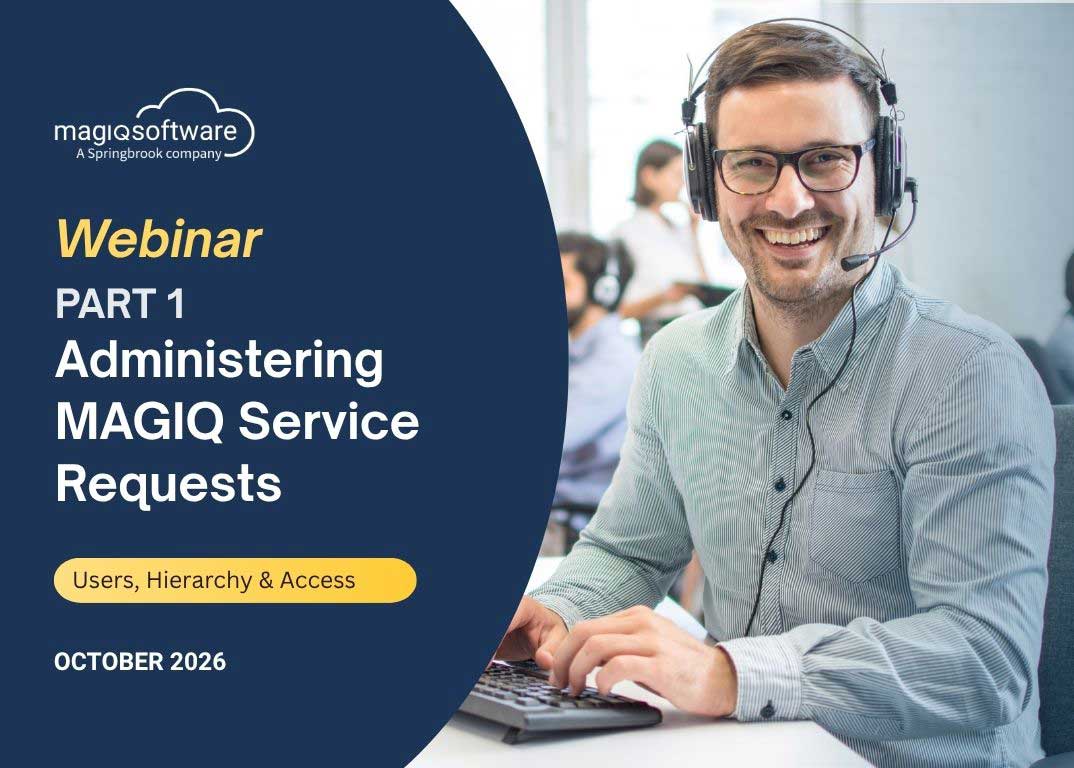
Administering MAGIQ Service Requests – Part One: Users, Hierarchy and Access

Following our popular overview of the Service Requests module, this two-part series goes behind the scenes for the people who keep it running.

Part One is for MAGIQ Service Requests administrators. It walks through the setup that decides who sees what, who is assigned what, and how work reaches the right people.

We’ll cover:

• Adding and maintaining users – the roles required in System Administration, and setting up matching AOF (Action Officer) and WHO (Received By) records so officers can create and be assigned requests

• Understanding the metadata hierarchy – how Divisions, Departments, Request Types and Officers link together, how adaptive selection works, and why you should always link from the bottom up

• Action Officer scenarios – what happens when an officer is linked to a Division, a Department, specific Request Types, or nothing at all

• Locking down users – using access controls to restrict contractors and external users to only the requests assigned to them

We’ll also share practical tips, like cloning existing users to save time and keeping codes consistent across records.

Whether you’re new to administering Service Requests or tightening up an existing setup, you’ll leave knowing exactly how your module fits together.

📅 Date: Thursday 29 October 2026
🕐 Time: 11:00am AEDT | 1:00pm NZDT

🔗 Register to attend the webinar here.

Administering MAGIQ Service Requests - Part Two: Configuration and Settings Part One covered users, the metadata hierarchy and access control. Part Two moves on to the settings that shape how the module behaves.

Administering MAGIQ Service Requests – Part Two: Configuration and Settings

Part One covered users, the metadata hierarchy and access control. Part Two moves on to the settings that shape how the module behaves.

Setup and Settings is the backbone of Service Requests, and it holds far more than most administrators realise. We’ll open it up and work through the options that matter most:

• General and Internal Configuration – how the Customer Request and Internal Request systems work, and the settings that control each

• Labels and Button Labels – tailoring on-screen wording so the module speaks your organisation’s language

• NC Forms – email notifications, email text and how email handling is managed

• Reminders and Summaries – scheduling reminder emails, controlling their content, and turning weekly Service Request summaries on or off

• Email Officer notifications – what happens when requests and actions are raised, and who is notified

You’ll come away able to change these settings carefully and confidently.

Ideal for administrators who have the basics in place and want to fine-tune Service Requests to suit the way their organisation works.

📅 Date: Thursday 12 November 2026
🕐 Time: 11:00am AEDT | 1:00pm NZDT

🔗 Register to attend the webinar here.
Past Webinars – available for viewing on the Online Service Desk

MAGIQ Software Webinar: Letter Templates made easy

Letter Templates Made Easy: Tips, Tricks and Merge Fields in MAGIQ

Discover how to unlock the full potential of MAGIQ letter templates.

In this session, we demonstrate how to update templates, leverage merge fields for dynamic content, and ensure your letters are configured correctly for seamless processing.

Packed with tips, tricks, and best practices, this webinar is ideal for administrators responsible for maintaining customer-facing correspondence.

🔗 Watch the recording on the Online Service Desk.

Join us for our Q3 product update webinar: everything we've released this quarter, and what's next.

Q3 Product Update Webinar

Our Q3 product update webinar shows everything we’ve released this quarter, and what’s next.

🔗 Watch the recording on the Online Service Desk.

Introduction to Harbour Software – Automating Council Meetings

Introduction to Harbour Software – Automating Council Meetings

Running Council meetings smoothly – from the first report prep to the final recordings – takes more than good intentions; it requires a connected workflow every step of the way.

Meet Harbour Software, part of the Springbrook Software group, built to support the complete Council meeting journey: preparing reports and assembling agendas, through secure distribution, minute taking, live voting, public access, and meeting recordings.

*Over 200 ANZ Councils are already using this software.

This recording is availabe via the Online Service Desk.

Overview of the Service Requests Module

Managing customer requests efficiently is critical to delivering responsive service.  Watch this webinar for an introduction to MAGIQ Service Requests, a powerful tool designed to help organisations capture, track, assign, action, and resolve service requests from initial lodgement through to completion.

During this session, we explore the key features and workflows of MAGIQ Service Requests, including creating and managing requests, assigning work to teams and officers, tracking progress through actions and sign-offs, and using filters and dashboards to monitor open and completed requests.

We also highlight best practices for maintaining accurate records, improving accountability, and delivering better outcomes for your customers.

Whether you’re new to MAGIQ Service Requests or looking for a refresher on its core functionality, this webinar provides a practical overview to help you get the most from the solution.

🌐  This recording is available via the Online Service Desk.

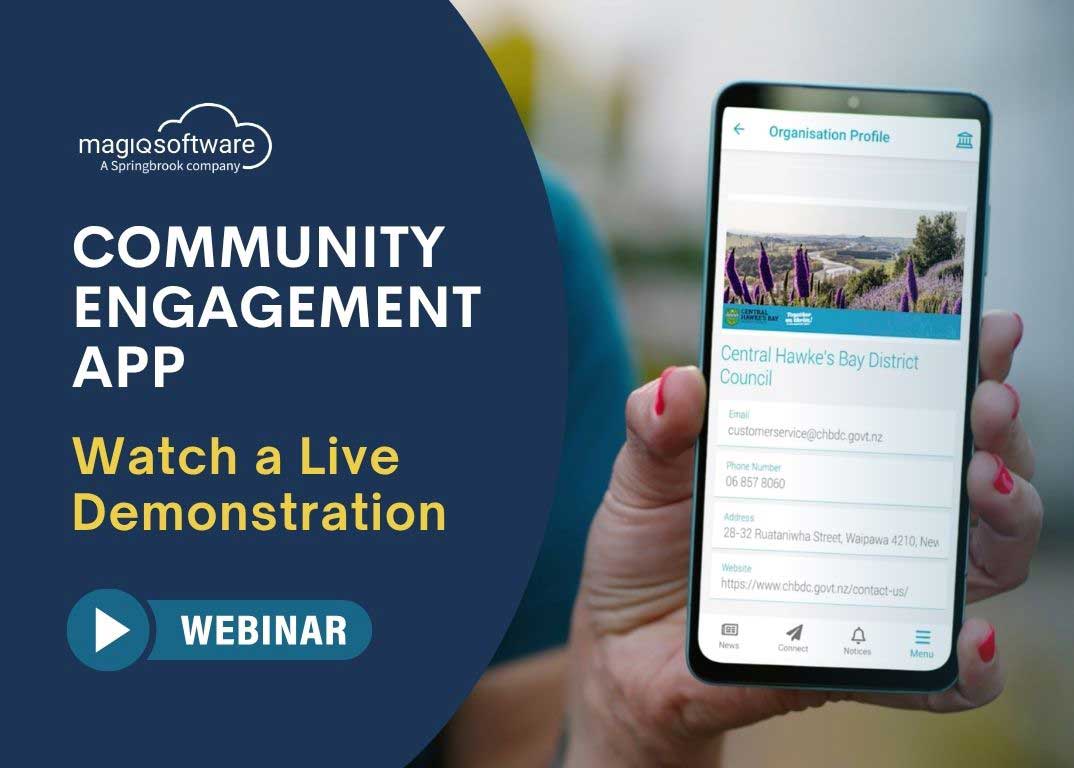
Live Demonstration of MAGIQ Software's Community Engagement App

Live Demonstration of the Community Engagement App

See the app in action, hear what’s already working in the field, and get a first look at what’s coming next – including financial insights, online payments, rates viewing, and animal registrations.

🌐  This recording is available via the Online Service Desk

MAGIQ Software Q2 ERP Product Update Webinar

Q2 ERP Product Update Webinar

Discover what’s new, what’s coming next, and how to get even more value from your enterprise software.

🌐  This recording is available via the Online Service Desk

During the session you will be guided through the critical activities needed for a successful start to your 2026/27 Rating Year.

Overview of the New Rating Year Process within the MAGIQ Cloud ERP

During the session you will be guided through the critical activities needed for a successful start to your 2026/27 Rating Year.

🌐  This recording is available via the Online Service Desk

MAGIQ Software Webinar

Overview of the Lease Management module within the MAGIQ Cloud ERP

The Lease Management module seamlessly integrates with Debtors, Property, Names, and Mail Processing, bringing all your essential information together in one place. Discover how this connected approach helps you manage leases with ease while maintaining a single source of truth for your Council’s core data.

🌐  This recording is available via the Online Service Desk

MAGIQ Software webinar

Getting Ready for the Annual Dog Registration Process

This session provides a comprehensive walkthrough to help you confidently prepare for the registrations process, covering key pre‑registration tasks, important milestones, common pitfalls, and how to navigate essential checking reports.

🌐  This recording is available via the Online Service Desk.

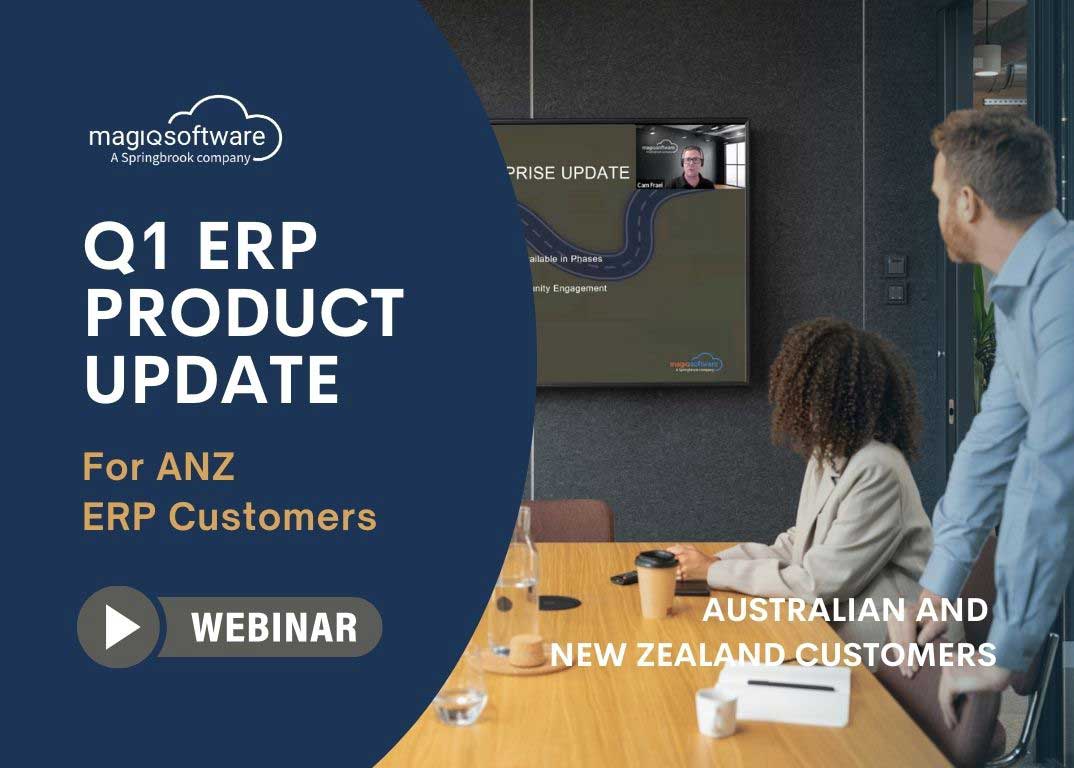
MAGIQ Software Q1 2026 ERP Product Update Webinar

Q1 ERP Product Update Webinar

📢 Attention ERP Customers in Australia and New Zealand!

This MAGIQ Software ERP Product Update Webinar will help you to stay ahead of the game. Discover strategic insights, recent accomplishments, and cutting-edge enhancements in our software. Don’t miss out on shaping the future of your ERP experience!

🌐  This recording is available via the Online Service Desk.

Webinar: Enjoy refresher training on the Names module

Refresher Training on the Names Module

Discover the power of Names, a core module in MAGIQ Cloud ERP.

In this practical webinar, Cam will walk through the key features of the module and share helpful tips and tricks for managing your customer data more effectively.

🌐 Watch this webinar recording via our Online Service Desk.

The Debt Management Module in the MAGIQ Cloud ERP

Watch this webinar to see how MAGIQ Debt Management makes it easy to manage and track payment arrangements.

🌐 Watch this webinar recording via our Online Service Desk.

User Administration in MAGIQ Performance

MAGIQ Performance offers a detailed user management system, featuring role-based permissions and access controls to limit administrative access.

🌐 Watch this webinar recording via our Online Service Desk.

MAGIQ Software - MAGIQ Performance Long Term Financial Planning Module

Introduction to the Long-Term Planning Module in MAGIQ Performance

Watch an insightful webinar dedicated to the Long-Term Planning module within MAGIQ Performance.

This session is tailored specifically for our MAGIQ Performance customers in Australia, as the configuration of the solution differs somewhat from the New Zealand version.

🌐 Watch the webinar recording here via our Online Service Desk.

To gain access, simply register by contacting us at support@magiqsoftware.com.  

MAGIQ Software is hosting a webinar on Building Alternate Reporting Structures in MAGIQ Performance with MAGIQ Trees In this webinar, Andrew will demonstrate the process of building a new reporting structure within MAGIQ Trees and then adding this into the existing connector reporting/filter layers. This training session is targeted at MAGIQ Performance Administrators and will require administrator access to functions such as Trees and the Control Centre.

Building Alternate Reporting Structures in MAGIQ Performance with MAGIQ Trees.

This webinar focuses on Building Alternate Reporting Structures in MAGIQ Performance with MAGIQ Trees.

🌐 You can watch a recording of the webinar via the Online Service Desk.

To gain access, simply register by contacting us at support@magiqsoftware.com.  

Be sure to sign up for our newsletter and keep up-to-date with the latest news from MAGIQ Software.

Can’t attend and want to catch up later?

No problem! Simply sign up to attend, and you will automatically receive a recording of the webinar, along with the questions asked and their answers.

Want to view all past webinars?

Our webinars are available for viewing at your convenience through our Online Service Desk. You can access our Online Service Desk via the top menu section of our website or directly via support.magiqsoftware.com.

To gain access, simply register by contacting us at support@magiqsoftware.com.